
SEO topic
Shopify ads
SEO topic
Shopify product ads
SEO topic
Shopify UGC video ads
SEO topic
AI Shopify ads
SEO topic
Shopify catalog video ads
SEO topic
ecommerce ad creative
Why Shopify ads need more creative volume
Shopify brands often know their product, but they do not know which hook will make a shopper stop scrolling. That is why creative volume matters. More video variations create more chances to find a message that converts.
One product can support many ad angles: pain-point hooks, comparison hooks, routine videos, product demos, before-and-after explanations, gift ideas, influencer-style reactions, and simple try-it CTAs.
Product images are not enough
Product images are useful for listings, but ads need motion, context, and a reason to care. A UGC video can show how the product feels, how it is used, and why a customer might want it today.
For Shopify ads, the goal is not just a beautiful asset. The goal is a creative that earns attention in the feed and gives the viewer enough confidence to click through.
How Stunr AI turns Shopify catalogs into ads
Stunr AI lets brands import a Shopify catalog CSV or add products manually. The platform reads the product context, creates a hook and script, and generates a realistic creator-style product video.
This removes the slowest parts of ad creation: briefing creators, waiting for raw footage, editing, and writing prompts. The result is a faster creative testing workflow for Shopify teams.
How to test Shopify UGC ad variations
A good testing system creates multiple versions per product. One variation can focus on speed. Another can focus on comfort, ingredients, fit, taste, durability, gifting, or a visible result.
Stunr AI is designed for that workflow. Each generation creates a new video variation, so brands can keep testing without rebuilding the creative process from scratch.
Shopify ad creative workflow
Import your Shopify catalog or upload products manually.
Select one or more products to generate video variations.
Use 9:16 videos for TikTok, Reels, Shorts, and mobile-first ads.
Test multiple hooks for the same product instead of relying on one ad.
Use UGC videos on ads, product pages, email, retargeting, and organic posts.
Track which hook and benefit creates the strongest conversion signal.
Sample Stunr AI videos
Realistic creator-style product videos can be used across paid social, organic content, product pages, email campaigns, and retargeting.
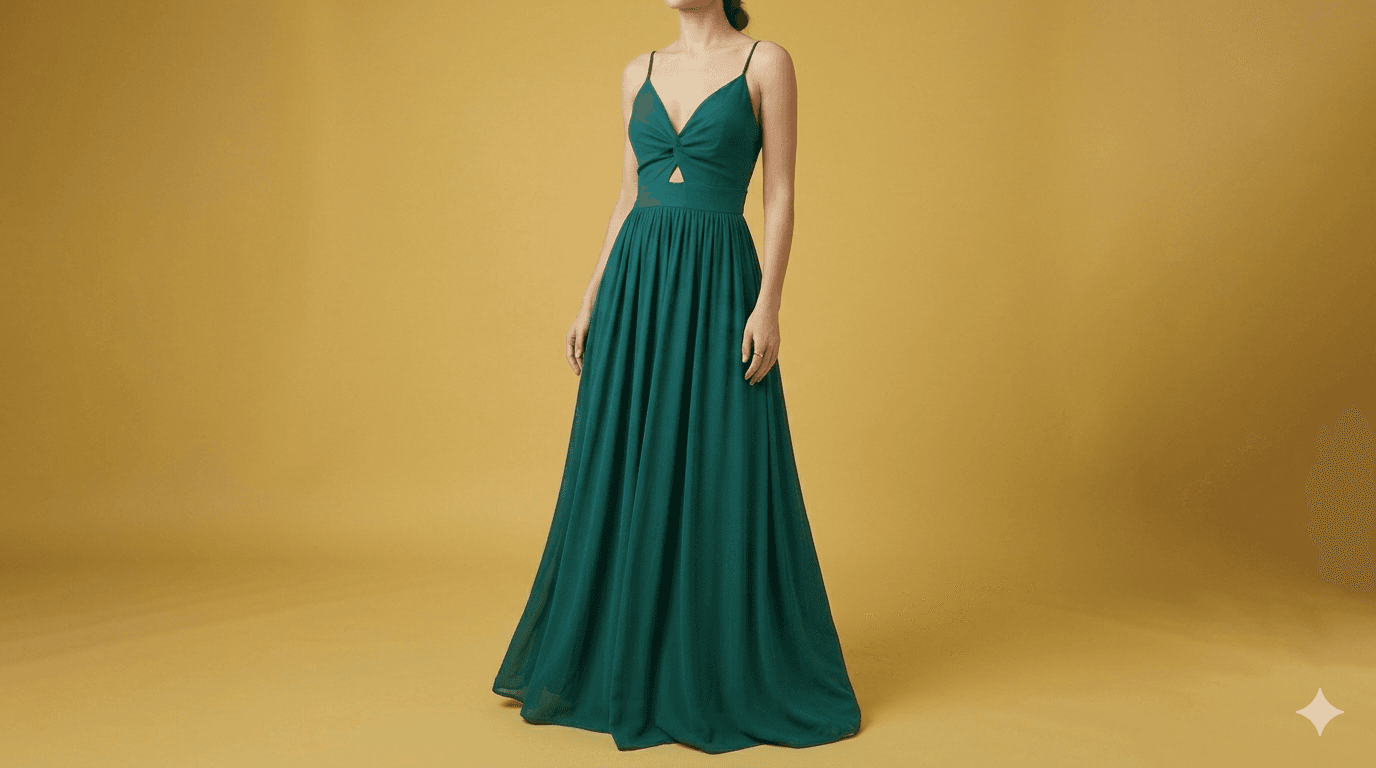
Apparel UGC ad
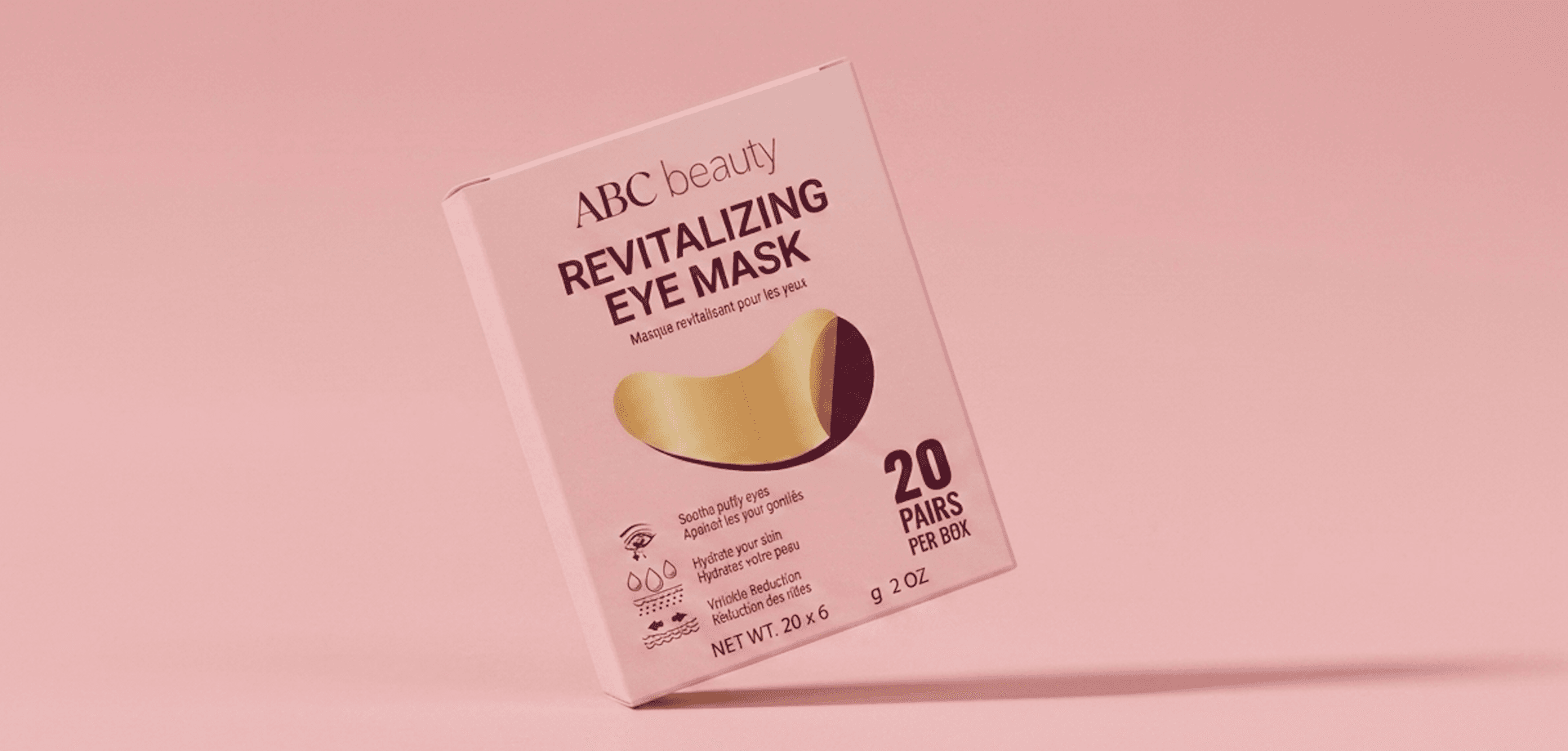
Beauty UGC ad
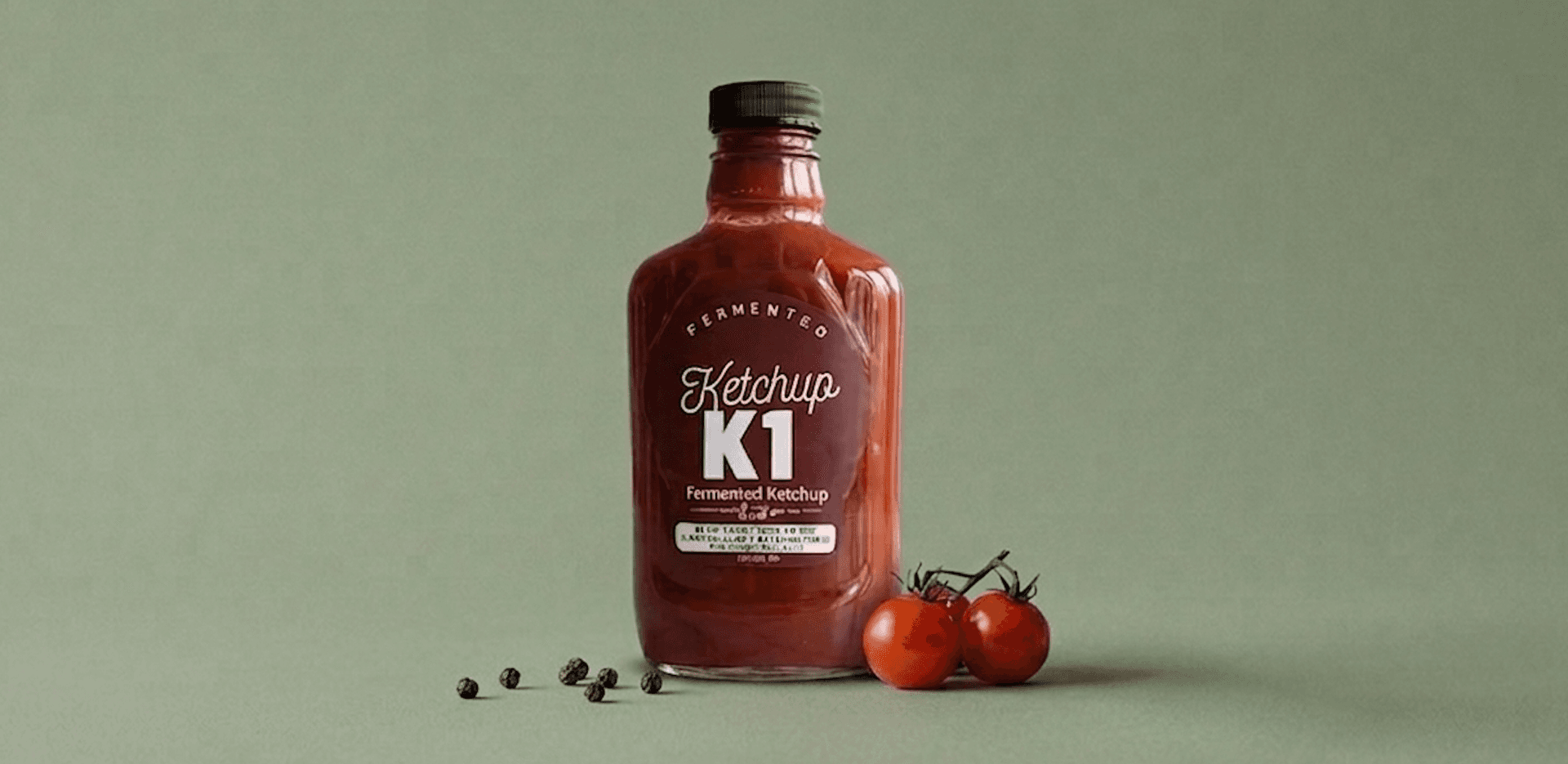
Food UGC ad
FAQ
What are the best ads for Shopify brands?
Many Shopify brands perform well with creator-style UGC videos that show the product, explain one clear benefit, and feel native to short-form social feeds.
Can Stunr AI create Shopify ads from a catalog?
Yes. Stunr AI can import Shopify catalog products and generate realistic UGC-style video ads from selected products.
Do Shopify ads need video?
Video is not required, but short-form UGC videos often help brands communicate product value faster than static images alone.
Can I create multiple Shopify ad variations for the same product?
Yes. Stunr AI is built to create new variations for the same product so brands can test different hooks and product benefits.
Create UGC videos without prompting
Import your Shopify catalog, select products, and generate realistic videos with strong hooks in one click.
Start free