
SEO topic
UGC videos for Shopify
SEO topic
Shopify product videos
SEO topic
Shopify UGC content
SEO topic
ecommerce product video ads
SEO topic
UGC for product pages
SEO topic
Shopify video marketing
What makes a Shopify UGC video useful
A Shopify UGC video connects a product to a buying situation. It can show how an item fits into a morning routine, solves a recurring annoyance, improves a task, or helps someone choose between alternatives.
The strongest videos usually make one point clearly. A short video that demonstrates one benefit is easier to understand and test than a rushed list of every feature on the product page.
Use UGC across the Shopify funnel
In paid social, a UGC video earns attention and gives the viewer a reason to click. On a product page, it can add context that a gallery image cannot. In email and retargeting, it can remind a shopper of the product problem or benefit they already considered.
The same source video can support several placements, but it should not be copied blindly. Check the crop, captions, opening seconds, CTA, and landing-page match for each channel.
Turn a Shopify catalog into a creative queue
A catalog gives a team a natural production queue. Start with products that have clear demand, strong margins, a recognizable use case, or enough customer questions to inspire useful education.
Stunr AI lets teams import Shopify catalog products or add them manually, then select products for one-click UGC generation. The built-in agent creates the hook, script, product demo, and creator-style direction from the product context.
Build each video from product-page facts, not vague claims
Before making a video, collect the facts a shopper needs to make a decision: what the product is, who it is for, how it is used, what is included, relevant materials or ingredients, sizing or compatibility details, and the exact offer. Those details give the creative a real job and reduce the risk of a video promising something the product page cannot support.
Choose one fact cluster for each variation. A kitchen tool might focus on setup, a single use case, cleaning, or what fits in the box. A beauty product might focus on application, texture, routine placement, or shade selection. This makes the demonstration easier to follow and makes it clearer which message a shopper responded to.
Treat reviews and support questions carefully. They can reveal the language customers use and the friction they feel, but they are not permission to invent results, guarantees, or before-and-after outcomes. Keep the final spoken and on-screen claims aligned with approved product information.
Plan a Shopify video set, not one hero asset
One product can need different videos at different points in the buying journey. A short paid-social version can lead with the problem or desired outcome. A product-page version can spend more time showing use, scale, texture, fit, setup, or what arrives. A retargeting version can answer a question that stopped the first visit, such as how the product works or who it suits.
A practical starting set is five distinct concepts: a problem-and-solution opening, a first-use demonstration, a routine or lifestyle placement, a product-detail explainer, and a question-led objection answer. The concepts can share a product, but they should not repeat the same opening, benefit, and footage beat-for-beat.
Match every version to its destination. If an ad talks about quick setup, send it to the relevant product page and make setup information easy to find there. If a video explains a bundle, the destination should show the same bundle. A strong video-to-page match makes the experience more useful even when a shopper does not buy on the first visit.
Use a simple creative test record
Save a small record for every version: product, audience or use case, hook, demonstrated fact, format, placement, CTA, and destination URL. Add the date and any major offer or landing-page change. Without this context, a team can see performance numbers without knowing what lesson to apply next.
Review the record alongside the video itself. If viewers leave before the product is introduced, test a clearer opening. If people click but the page does not answer the question raised in the ad, improve the match between creative and page. If a demonstration is understood but not compelling, test another real use case rather than making the same claim louder.
Measure the creative, not just the channel
When testing UGC videos, track the angle as well as the placement. Label the hook, benefit, product, audience, and offer so a team can learn whether a result came from the creative idea or from targeting and distribution.
A useful test does not require a guaranteed winner. It should produce a clear next decision: keep the angle, rewrite the opening, demonstrate a different benefit, or stop spending on the concept.
Shopify UGC video checklist
Choose a product with a clear use case and accurate product information.
Match the opening hook to a real shopper problem or question.
Show the product being used, worn, applied, opened, or compared.
Use one primary benefit and link the CTA to the correct product page.
Adapt crop, captions, length, and CTA for each placement.
Ground every spoken and on-screen claim in approved product-page facts.
Record the hook, demonstrated fact, audience, CTA, and destination for each variation.
Label each variation so performance teaches the next creative decision.
Sample Stunr AI videos
Realistic creator-style product videos can be used across paid social, organic content, product pages, email campaigns, and retargeting.
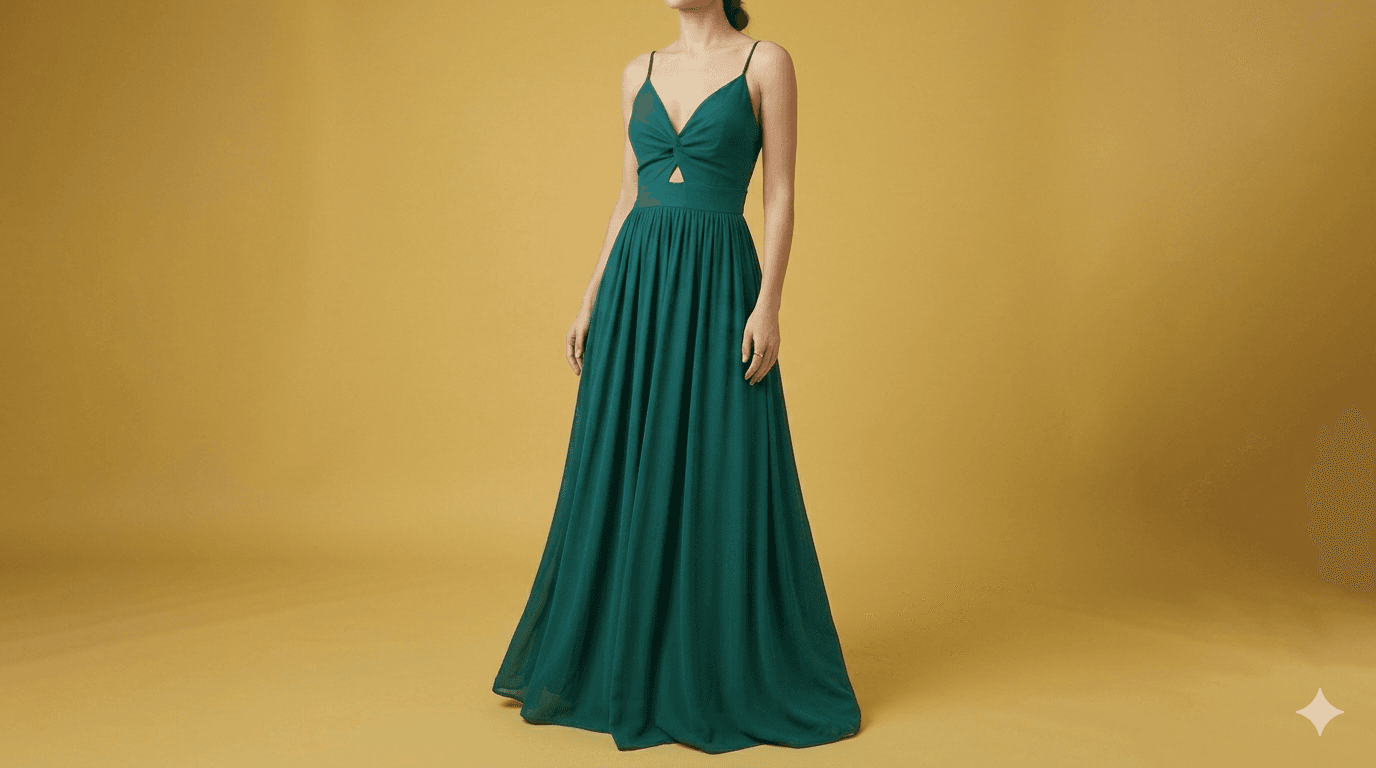
Apparel UGC ad
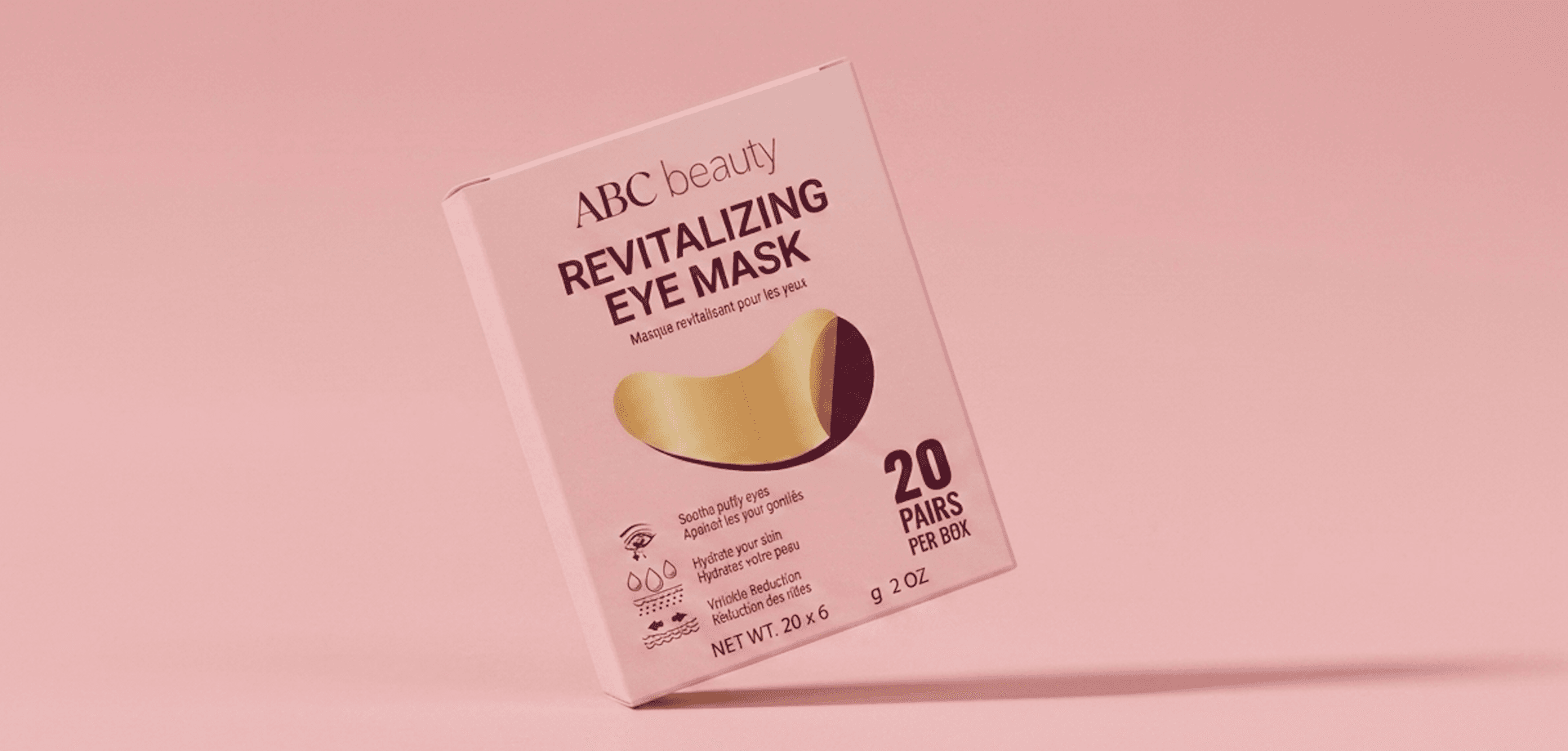
Beauty UGC ad
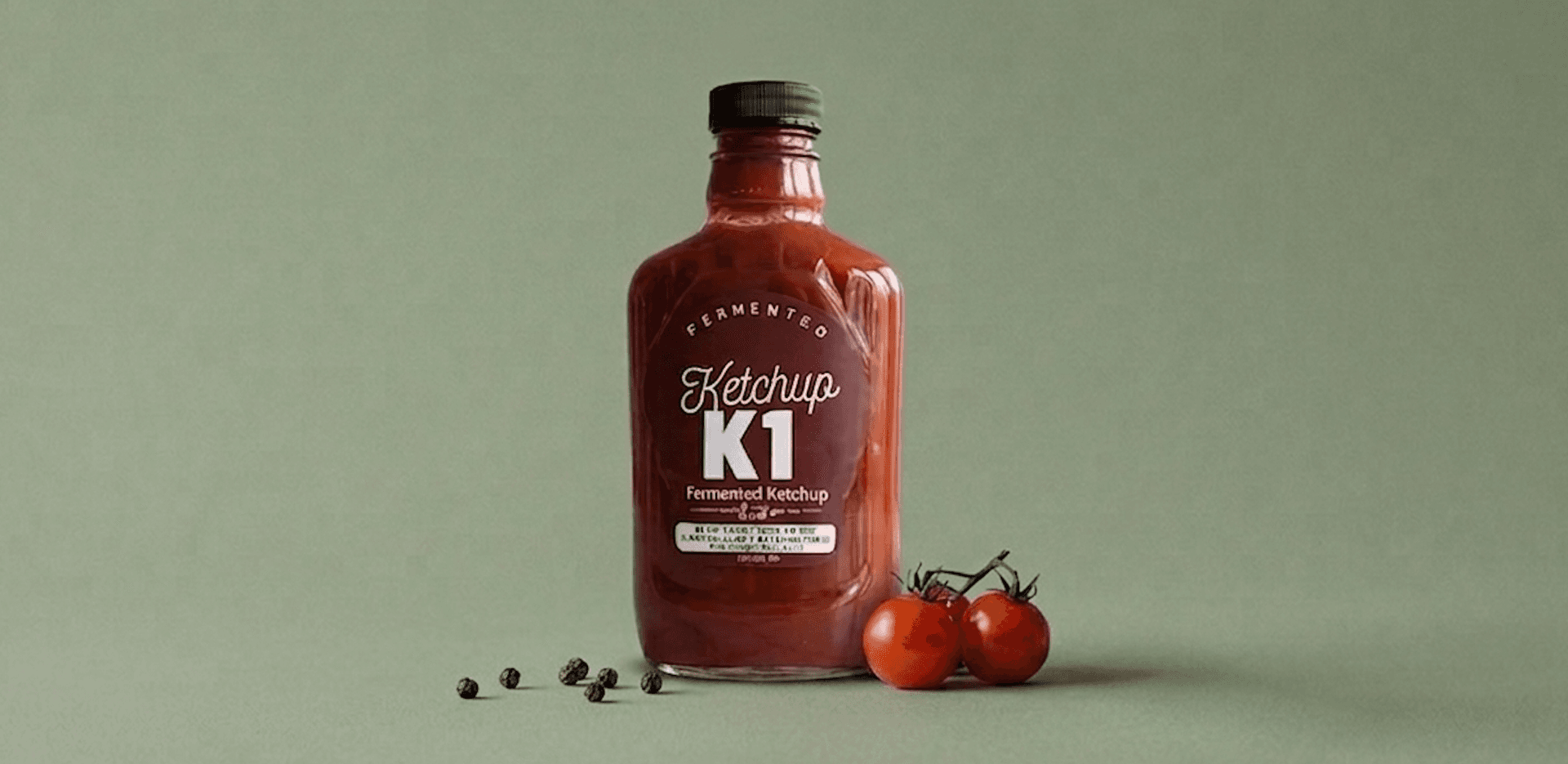
Food UGC ad
FAQ
Where should Shopify brands use UGC videos?
Shopify brands can use UGC videos in paid social, organic posts, product pages, email campaigns, landing pages, and retargeting, with edits appropriate to each placement.
Can Stunr AI create UGC videos from Shopify products?
Yes. Stunr AI can import Shopify catalog products or accept products added manually, then generate creator-style product videos from the selected product context.
Should a product page use the same UGC video as an ad?
It can use the same source concept, but review the crop, opening, captions, CTA, and landing-page context so the video fits the product-page experience.
How many UGC videos should I make per Shopify product?
There is no universal number. Create enough distinct hooks and benefits to learn which message resonates, then focus production on the angles that show useful performance signals.
What information should I give an AI UGC video generator for a Shopify product?
Start with accurate product images and the facts needed to describe the item responsibly: use case, audience, materials or ingredients where relevant, included items, sizing or compatibility details, and approved claims. Then review the resulting script, captions, and product demonstration before publishing.
How do I match a UGC video to a Shopify product page?
Use the same product, offer, and central question in both places. For example, a video about setup should link to a page where setup details are easy to find. Review the product name, variants, price, availability, captions, and CTA so the video does not create an expectation the page cannot meet.
Create UGC videos without prompting
Import your Shopify catalog, select products, and generate realistic videos with strong hooks in one click.
Start free